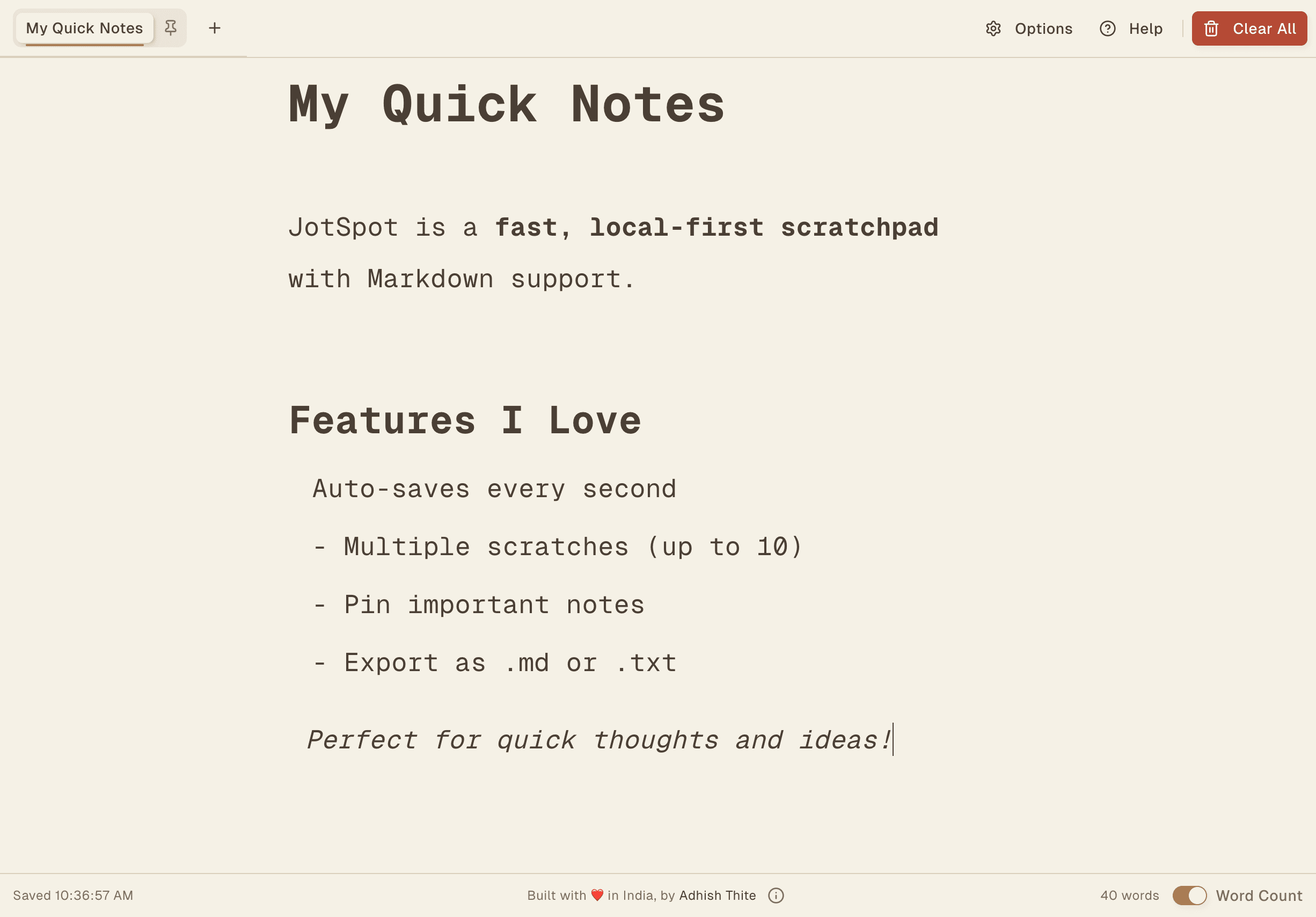
JotSpot: A Scratchpad That Actually Gets Out of Your Way
So you might remember Pastedown—that Markdown pastebin I made for sharing temporary snippets. It's great for stuff that needs to disappear in 3 days. But what about notes you actually want to keep?
That's where JotSpot comes in.
Open the page and start typing, and your notes save automatically. There's no login and no "syncing to cloud" spinner that makes you wait—everything just lives in your browser's localStorage.

Why though?
Honestly? I got tired of opening Notion or Google Docs just to jot down a quick thought. By the time the app loads and I navigate to the right page, I've already forgotten what I wanted to write.
I wanted something that opened instantly and worked offline, without asking me to create an account or "upgrade to Pro" first. So I built it.

What can it do?
You get up to 10 "scratches"—basically tabs. Pin the ones you want to keep around and delete the rest. The tab title auto-updates based on your first heading, which is a small thing but surprisingly satisfying.
The editor renders Markdown as you type—headings, bold, lists, blockquotes, all that good stuff. It uses TipTap under the hood, so it feels snappy.
There's also three width modes: Small (focused), Big (more room), and Full (with a side-by-side preview). I usually stick with Small, but Full is nice when you're writing something longer.


Dark mode
There's a dark theme too, which is what I keep it on most of the time.

Keyboard shortcuts
If you're into that sort of thing:
- Ctrl+Alt+W — Cycle through width modes
- Ctrl+Alt+T — Toggle dark/light
- Ctrl+K — Show all shortcuts
- Ctrl+Alt+M — Smooth caret (try it, it's weirdly nice)
Export your stuff
Look, your notes live in localStorage. That means if you clear your browser data, they're gone. So there's an export button—download as .md or .txt. Use it for anything you'd be sad to lose.

Works on your phone too
Not that you'd write essays on mobile, but sometimes you just need to check something quick. It works.


The nerdy bits
For the curious:
- Next.js 15 with Turbopack (fast builds, App Router)
- React 19
- TipTap for the editor
- ShadCN/UI + Tailwind v4
- Zustand for state
- LZ-String to compress notes in localStorage
- Framer Motion for the little animations
- Deployed on Cloudflare Workers
No tracking, no accounts, no backend
I want to be clear about this: there's no server storing your notes and no analytics watching what you type. Nothing you write ever leaves your browser. It's a webpage that saves stuff locally, and that's all it is.
The tradeoff is obvious: a different browser or device means starting fresh. For quick notes and scratch work that's usually fine, and when it isn't, the export button covers you.
Go try it
jotspot.adhishthite.workers.devOpen it, type something, and close the tab. Come back later and your stuff will still be there.
If you have ideas for making it better, hit me up on X. Always happy to hear feedback.
Try JotSpot